01 / 03Sanskrit
Documents
Your files, ready to quote.
Sanskrit keeps your project files, reads their content and finds the passages an answer needs, with a link back to the source.
- Store
- Read
- Index
- Find
LodzIA prepares the request. Aegis checks your access and records the job before it starts.
CHAT · RESEARCH · IMAGES · AUDIO
Ask about your documents, research the web with sources, and create images and narration. The models run on dedicated GPUs; your requests don't go to outside AI providers.
HOW IT WORKS
LodzIA is where you work. Aegis handles access, Sanskrit your documents, Ethicrawler the web and Gufé the models.
Aegis handles sign-in, permissions and the history of every job. Each request is checked before it runs, and you can see what happened to it.
Documents
Sanskrit keeps your project files, reads their content and finds the passages an answer needs, with a link back to the source.
Web research
Ethicrawler finds pages on your topic, reads the parts that matter and keeps the links so you can check them.
Private models
Gufé runs text, image and voice models on dedicated GPUs, in a private data center or a cloud you control. Your inputs are not sent to outside AI providers.
LodzIA puts the answer together with your project's context and, when the web was used, its sources.
Under the hood
LodzIA is where people work. Aegis, Sanskrit, Ethicrawler and Gufé handle access, documents, the web and the models; Bardo is the model family they run.
LodzIA brings conversations, project knowledge, models, and tools into a shared workspace. It carries a request through the right systems and returns an answer a person can inspect, continue, or turn into work.
Aegis gives screens, APIs and agents the same application operations. Access and business rules are defined once, so each interface works with the same accounts and records.
Sanskrit ingests files, preserves originals, extracts structure, organizes passages, and indexes vectors for retrieval. Answers can use selected project knowledge and point back to the source span that supports them.
Ethicrawler finds and reads web pages, keeping their source links with the research. Agents can use this material alongside the project documents they have access to.
Gufé schedules model work and low-level numerical kernels on dedicated server GPUs. It serves GGUF language, embedding, and multimodal models; bounded ONNX components support tasks such as document understanding.
Bardo is the model family presented in LodzIA. Administrators can see the origin and settings of each deployed model, and train new ones.
An example
Imagine a purchasing application. Instead of asking a model to guess whether an invoice was approved, the application gives it a typed, authorized operation to check the invoice and request the next step.
LodzIA identifies the project, the user, and the records the user may see.
An Aegis method reads the invoice and applies the same business rule used by the graphical interface.
The agent links to the invoice, asks for approval when needed, and reports the outcome.
Agents
LodzIA coordinates agents from a short request to a sustained mission. Each task receives an identity, an allowed set of operations, a budget, and an execution path before work begins.
Agents handling bounded conversations, retrieval, and tool calls run on managed threads inside LodzIA. They can use only the operations granted to the person and task.
Request → governed thread → answerLong-running agents that inspect files, write code, or assemble artifacts work in isolated sandboxes. Each mission has its own files and limits; internet access can be denied or allowed under a task-specific policy.
Mission → isolated workspace → reviewed resultVisible plans and decisions, tool actions, approvals, artifacts, and outcomes are recorded for audit. Identity and sensitive content are sanitized before operational logs and telemetry leave the execution boundary; access to retained records follows the same permissions as the work itself.
Protocols
The integrations follow the latest official stable specifications as they are qualified. Each protocol has a distinct job; none grants an agent authority beyond the application’s own rules.
Exposes selected business methods and knowledge resources as discoverable tools and context. Aegis-generated bindings let an agent call the same governed operation used by the application.
Lets independent agents discover capabilities and exchange tasks, results, and status. Aegis admits each incoming task through the application’s policy and execution budget.
Lets an agent propose a structured interface, such as a review form or a result card. The client renders approved components and sends actions back through governed operations; the model does not inject interface code.
Connects Keycloak sign-in to the workspace and services. Tokens communicate identity, scopes, and tenant context so each request can be checked against the correct authority.
Typed HTTP endpoints and streamed responses serve the graphical interface, integrations, and long-running work. They share the same operation contracts that protocol adapters expose.
Training
Bring examples of how your application works and LodzIA trains a Bardo model from them on your own GPU. You choose the examples and start; everything else is already filled in.
Upload a file, import a dataset from Hugging Face, or have another model write examples from your application’s tools and documents.
AI pauses on that server during training and comes back by itself. When it ends, ask both models the same question and compare their answers.
One action makes the new model the one your applications already call, with nothing to change on their side. You can go back whenever you want.
Model weights, deployment formats, and upstream lineage remain visible to administrators; everyday users see the Bardo family and the work it enables.
WHAT YOU CAN DO
Ask questions, compare documents and draft text with your work's context.
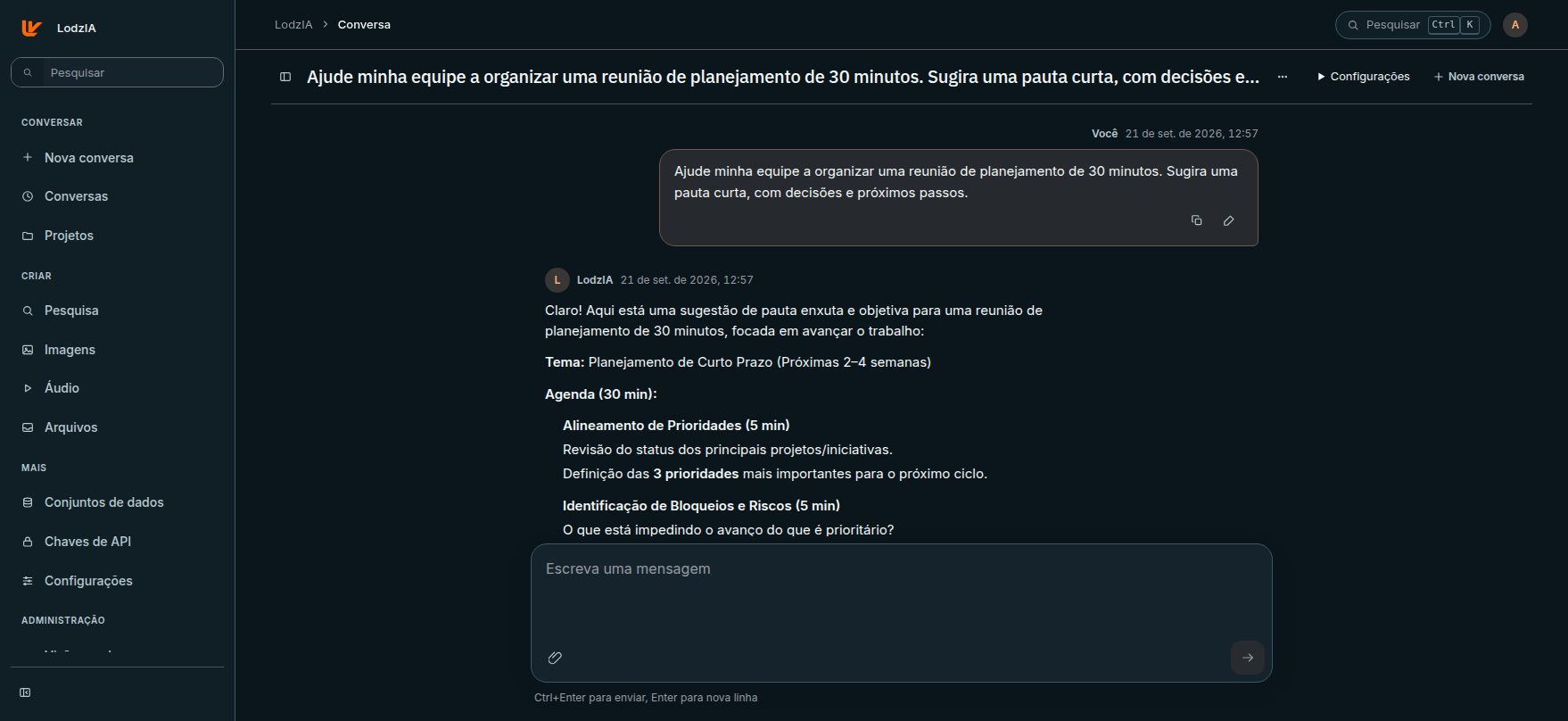
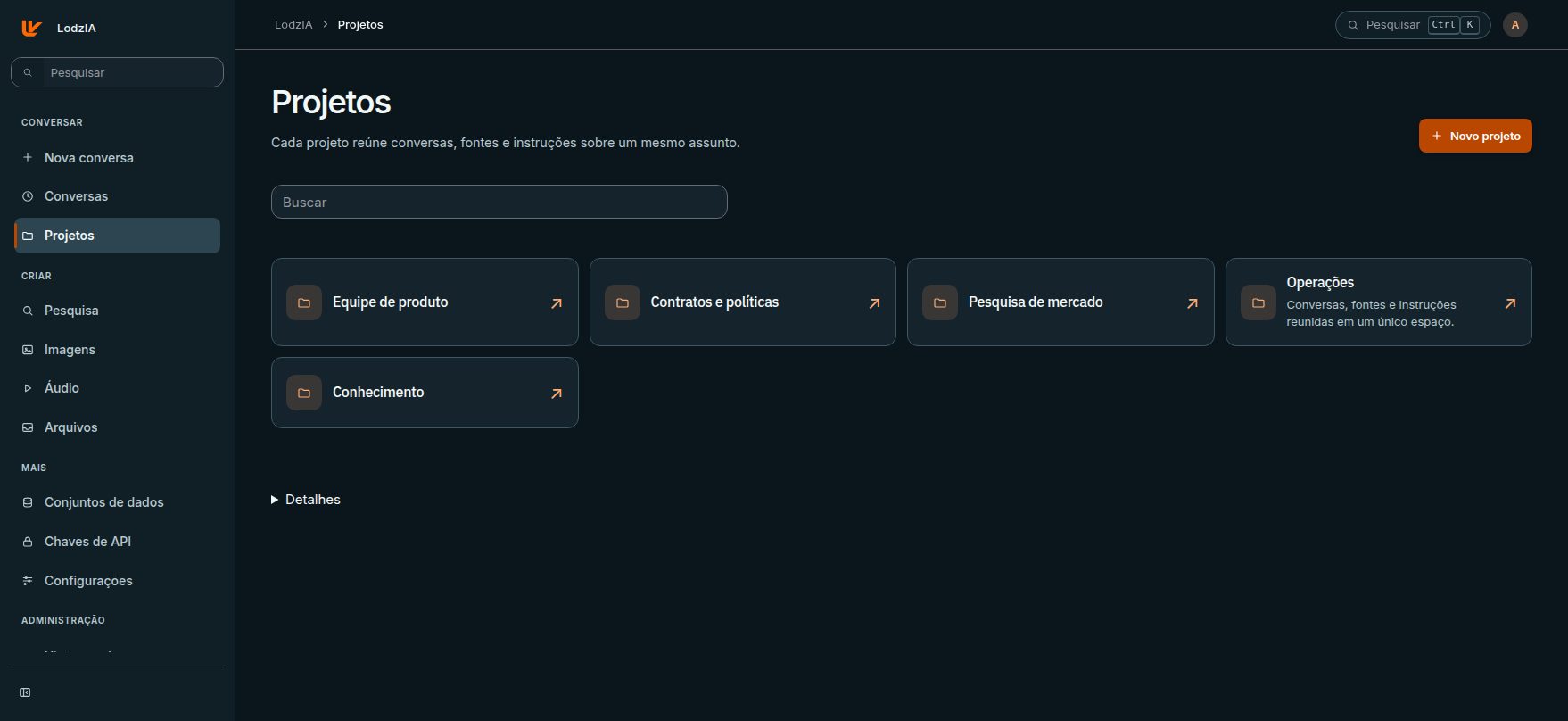
LodzIA / Notebooks
Put files, instructions and chats in a notebook. Come back later and pick up where you left off.
Gufé runs on dedicated GPUs, in a private data center or a cloud you control. Administrators set access, connected services, retention and usage.
Explore the private AI architecturePermissions per person and workspace, and retention rules for chats and files.
See usage per workspace and plan GPU capacity.
Availability, performance and errors in one place.
Call LodzIA from your own programs with the API, add current web sources to answers and follow every job in the built-in monitoring.
The models run on your dedicated GPUs, in a private data center or a cloud you control, and Gufé does not send your inputs to outside AI providers. If you turn on web research, your search terms go to the configured search service and pages are fetched from their sites.
Yes. Attach files to a chat, or keep them in a notebook to use across chats.
Use the LodzIA API with an access key created in LodzIA. What you can call depends on the services your company has turned on.

Sign in with your company account.
Sign in to LodzIA